

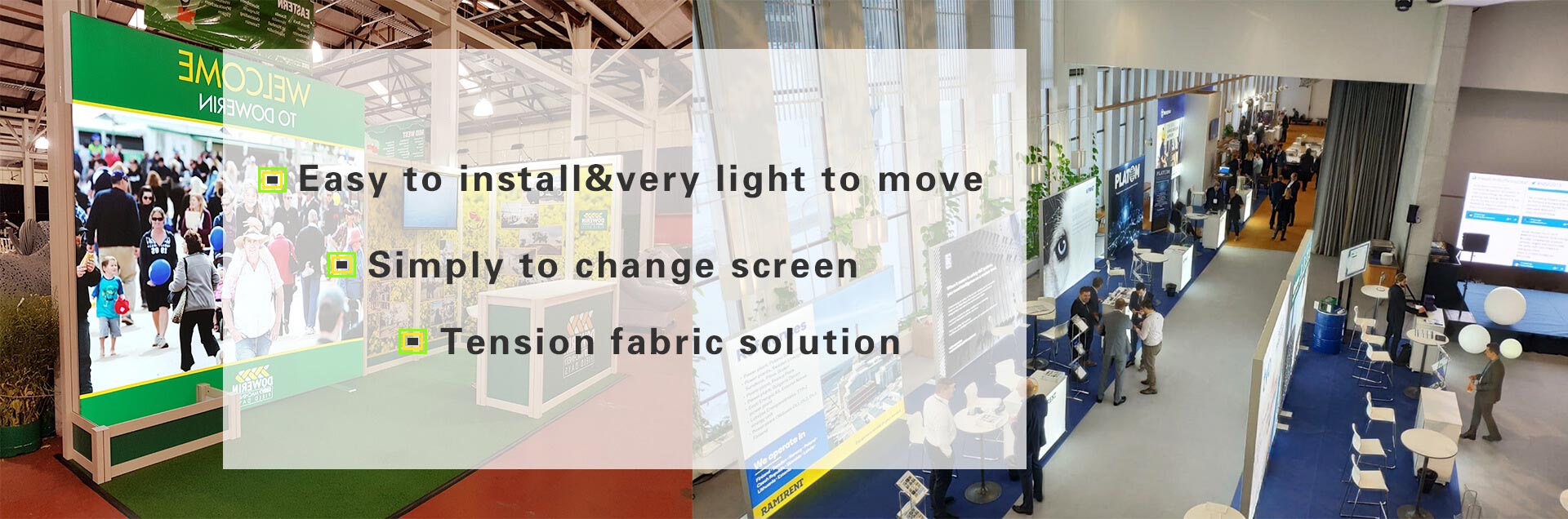

A successful Step-by-Step Guide to Modular Booth Setup Success begins before the shipment arrives. I use a documented process that combines floor-plan verification, component control, staged assembly, graphics installation, lighting checks, safety inspection, and post-event packing. This approach helps exhibitors reduce avoidable delays, protect booth assets, and open with a display that supports visitor movement and lead collection.
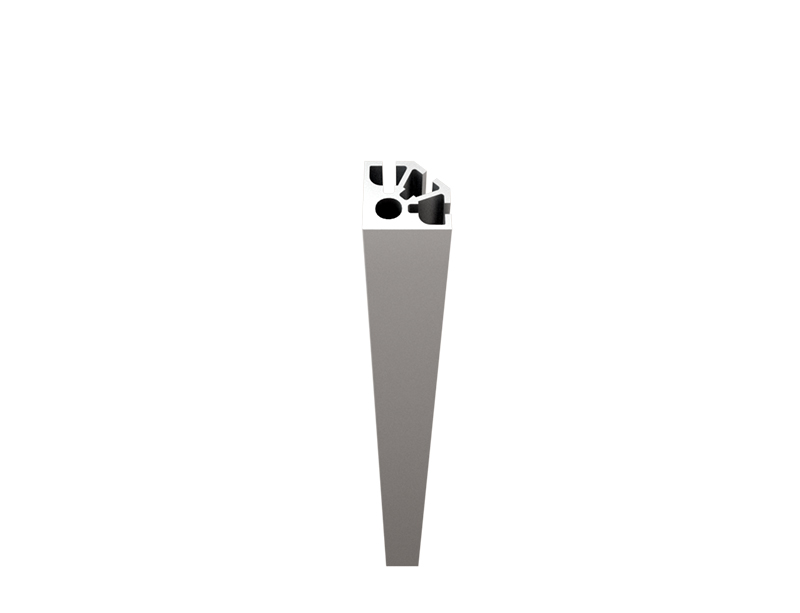
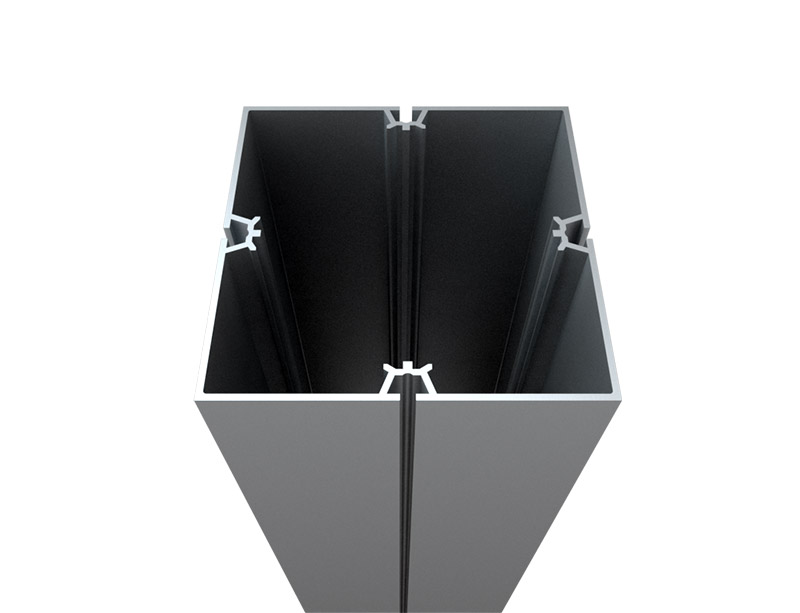
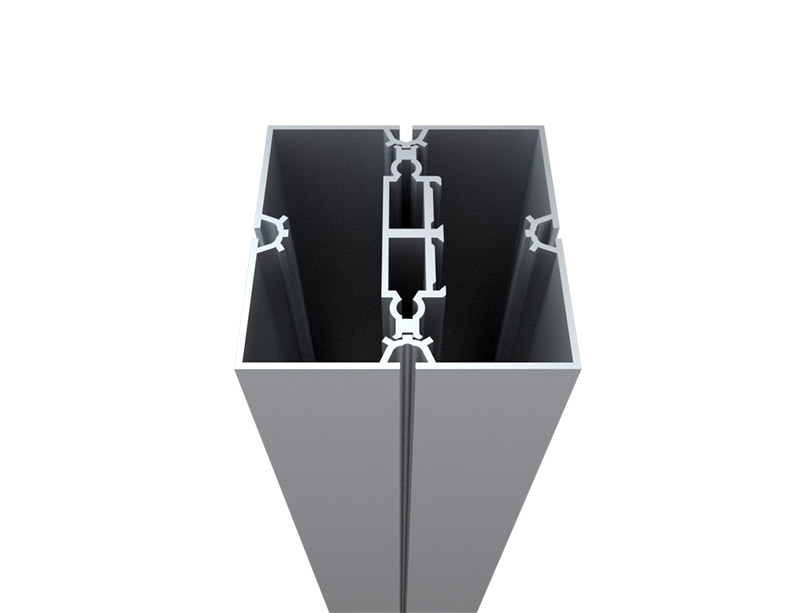
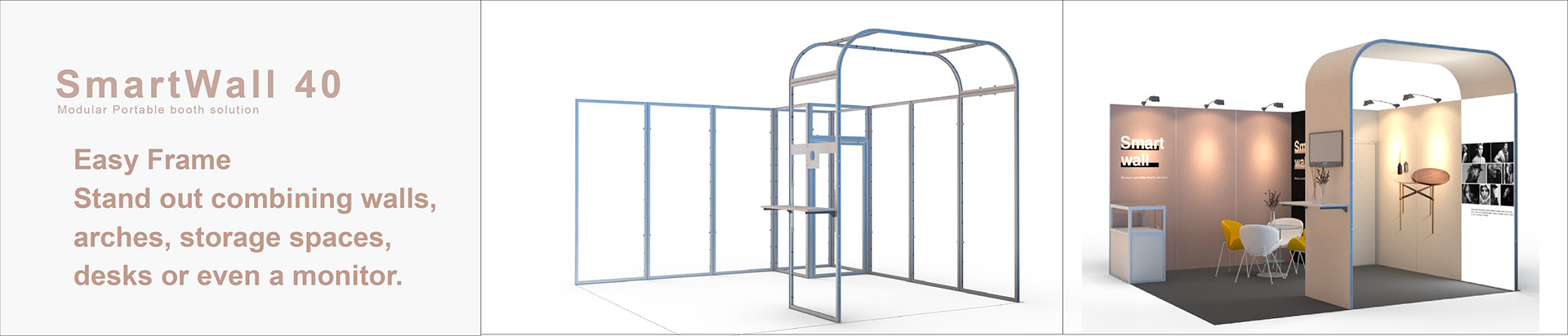
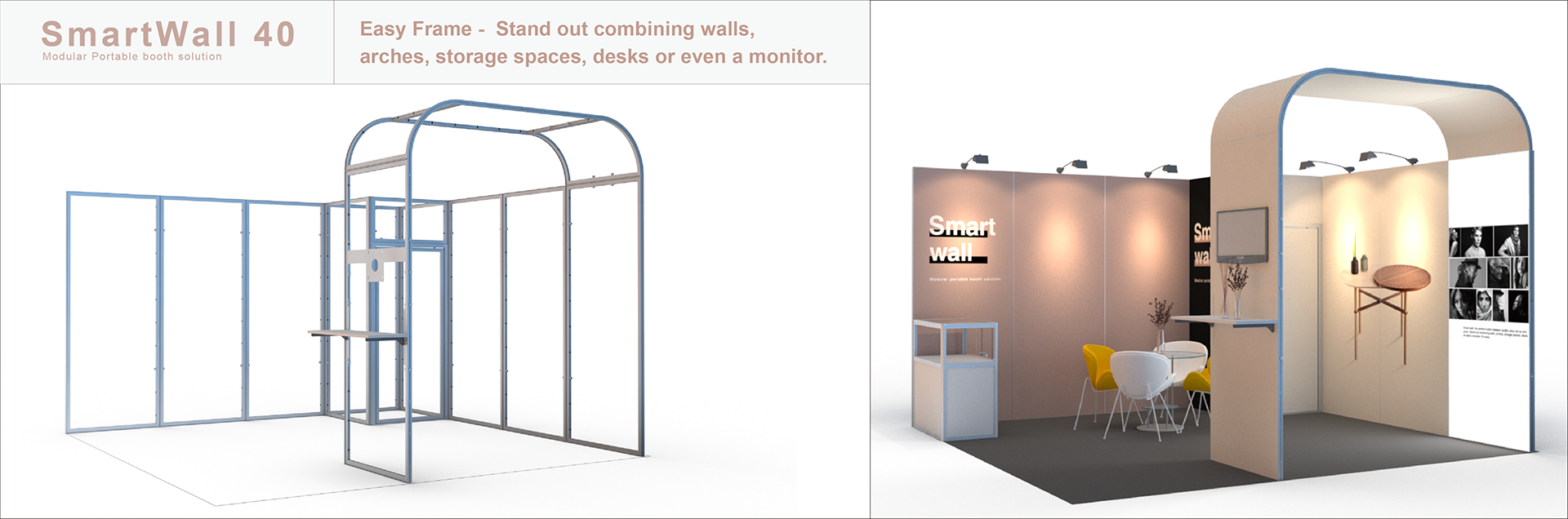
A modular booth setup uses repeatable components such as aluminum frames, connectors, fabric or rigid graphics, flooring, shelves, counters, lighting, and AV accessories. Instead of building the entire exhibit from one permanent structure, I assemble the booth from numbered parts that can be reconfigured for different booth sizes and events.
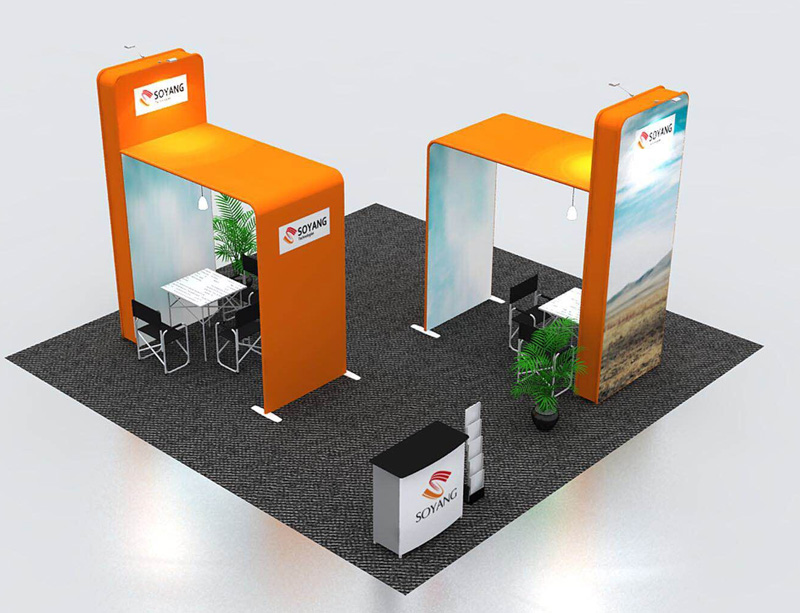
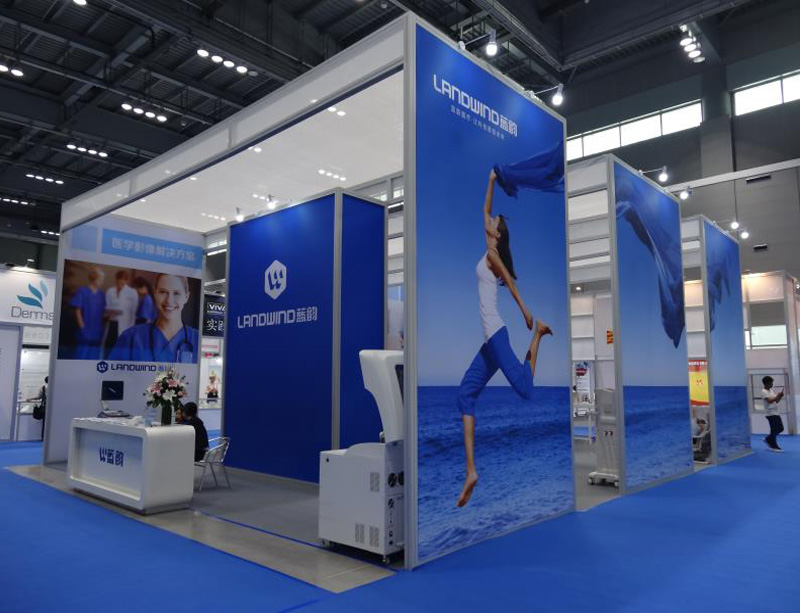
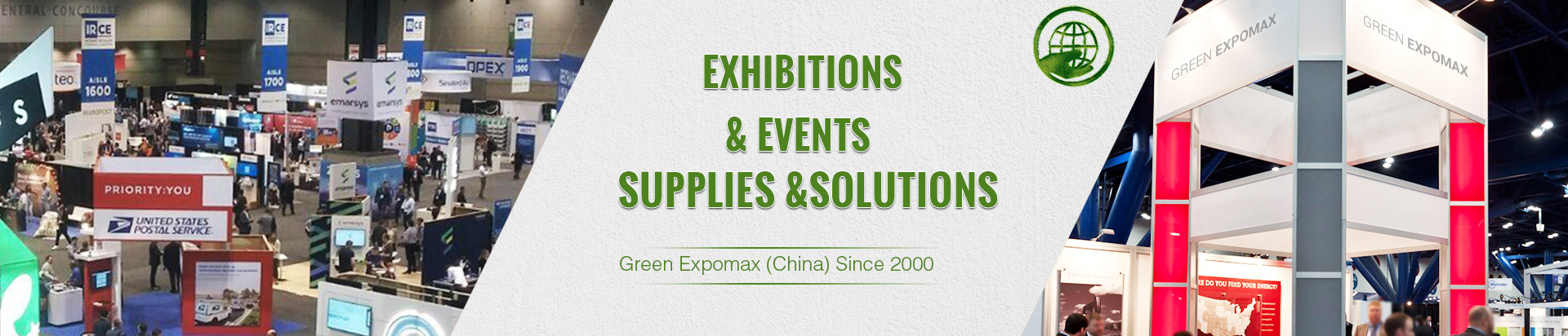
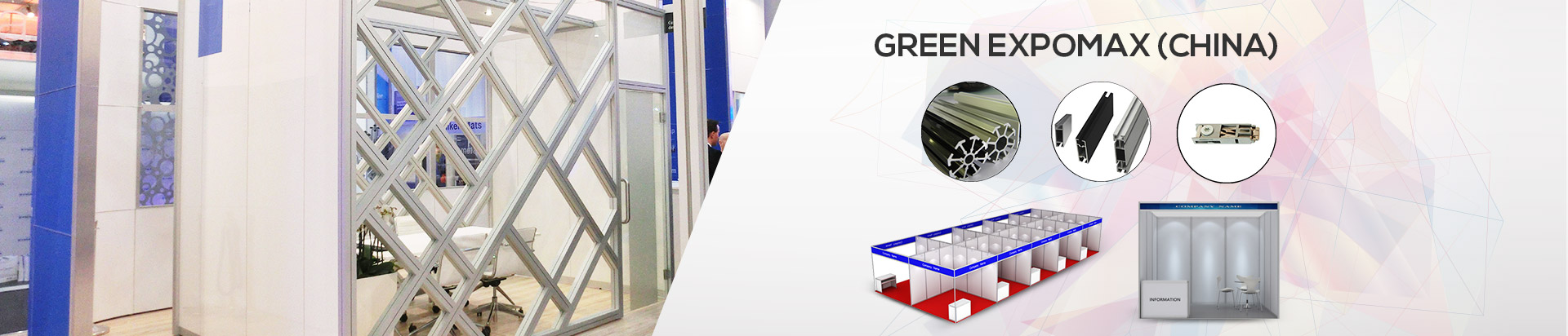
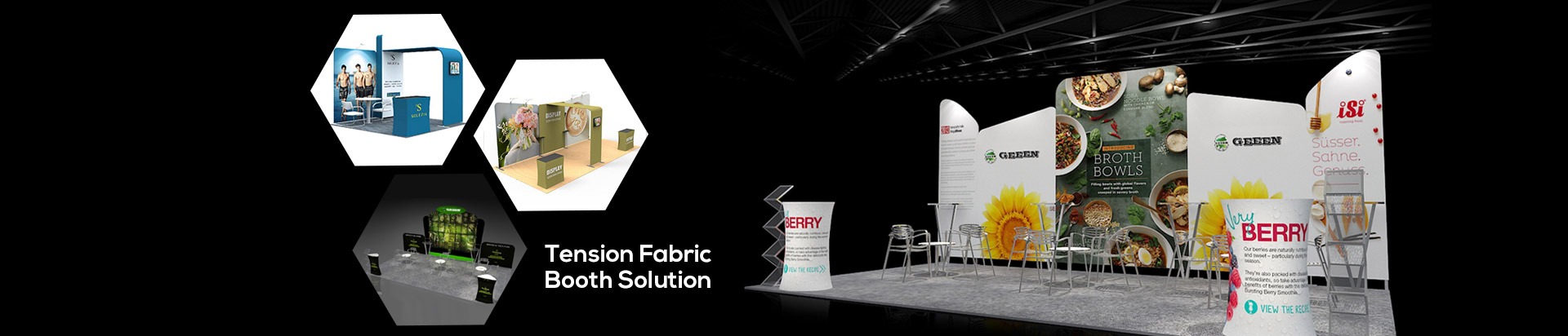
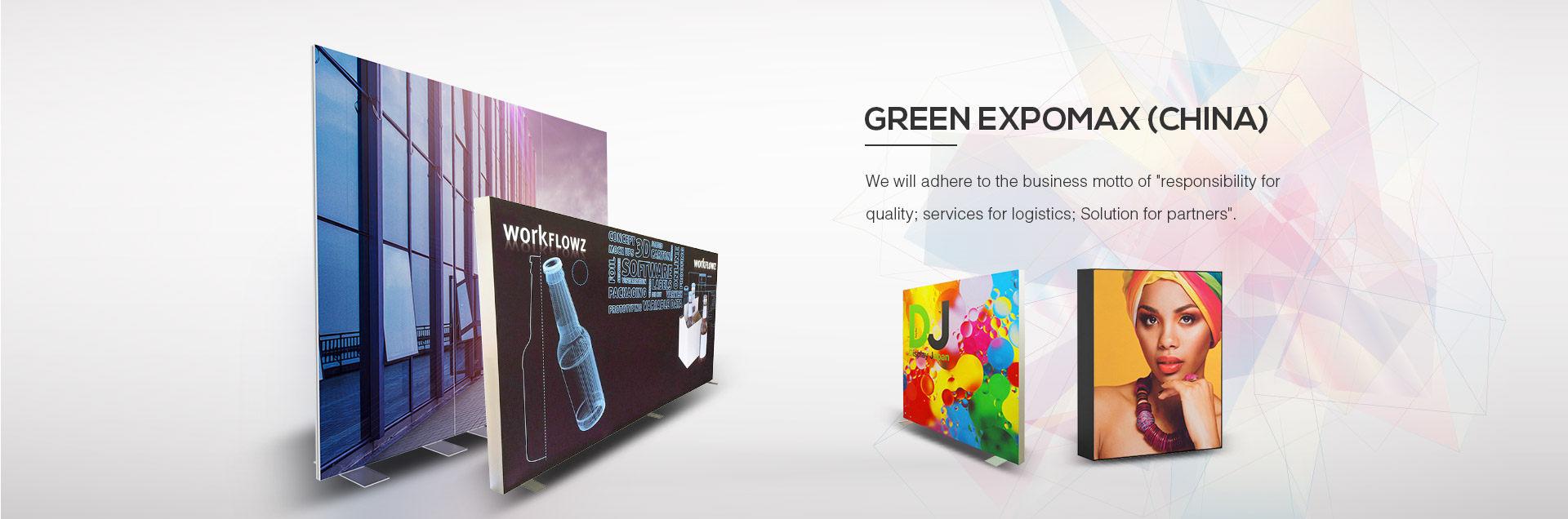
A Modular Exhibition Booth may be used for a 10×10-foot space, a larger island exhibit, a product display, or a portable event backdrop. Green Expomax is one supplier associated with aluminum exhibition systems, modular frames, SEG displays, exhibition walls, flooring systems, and related event equipment. When I evaluate any supplier, I focus on component drawings, connection methods, replacement-part availability, graphic specifications, case dimensions, and the support offered before delivery.
!
To set up a modular trade show booth successfully, I verify the space, inspect every component, prepare the correct tools, install flooring and bases, assemble the frames, add graphics and technology, and complete safety and opening checks. The sequence prevents rework because structural and electrical decisions are completed before the booth is presented to visitors.
I begin with the approved floor plan rather than the packing list. The plan should show the booth footprint, neighboring exhibits, aisle orientation, storage areas, hanging elements, utility points, electrical drops, internet connections, fire equipment, and any height restrictions. I compare the drawing with the exhibitor manual because the approved design may not show late changes made by the venue or event organizer.
Before shipping, I measure the actual booth dimensions shown in the contract and allow for wall thickness, flooring edges, counters, doors, and equipment stands. A display listed as 10×10 feet may lose usable interior space once the frame, graphics, and furniture are installed. I mark the footprint on a scaled drawing and identify at least one clear route for visitors to enter, view the main message, speak with staff, and exit without crossing behind equipment.
Venue compliance must be checked before installation day. I confirm the permitted structure height, fire-retardant documentation for fabrics, electrical inspection requirements, cable-cover rules, accessible routes, suspended-sign approvals, and union labor requirements. If the venue requires certified electricians, material-handling staff, or supervised installation, I include those services in the schedule rather than assuming the exhibitor team can complete every task independently.
My modular booth setup checklist has four sections: planning, inventory, installation, and breakdown. I keep the checklist in both printed and digital form, with a responsible person and completion status beside each item. This creates a record that can be reviewed after the event instead of relying on memory.
| Checklist area | Items to verify |
|---|---|
| Planning | Floor plan, booth number, delivery time, labor rules, utilities, height limits, fire documents |
| Inventory | Frames, connectors, bases, graphics, flooring, lights, shelves, counters, AV equipment |
| Tools | Hex keys, screwdrivers, mallet, level, tape measure, gloves, cable ties, labels, cleaning cloths |
| Transport | Case count, case labels, weight, delivery address, return labels, loading instructions |
| Opening | Frame stability, graphic alignment, lighting, screens, cables, literature, product samples, staff access |
| Breakdown | Clean parts, inspect damage, photograph packing, record missing items, confirm case count |
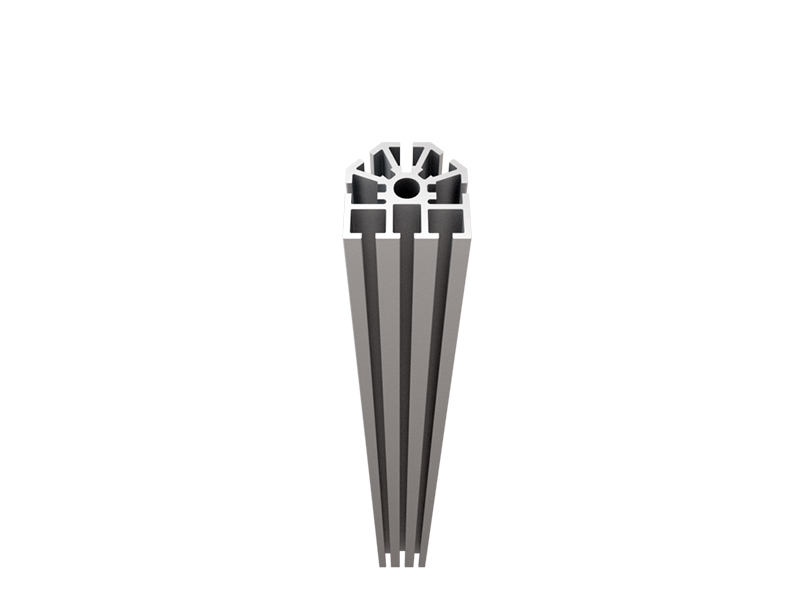
Component control is especially important when several booths use similar aluminum profiles or black hardware. I label both the storage case and each part with a short code, such as F-01 for frame one, C-04 for connector four, and G-02 for the second graphic. A packing diagram showing where each item belongs can reduce the time spent searching through mixed cases during both installation and teardown.
The tools needed for modular booth installation depend on the system, but I normally prepare a tape measure, bubble level, hex-key set, screwdrivers, rubber mallet, gloves, utility knife, cable ties, hook-and-loop straps, labels, cleaning cloths, spare batteries, and a compact step ladder where permitted. I also bring a small parts tray so connectors and fasteners do not disappear into shipping cases or carpet.
Electrical and AV preparation requires separate attention. I pack approved power strips, extension cables, cable covers, adapters, monitor mounts, remote controls, spare HDMI cables, charging cables, and backup batteries. I do not rely on one cable, one power supply, or one presentation device when the display is central to lead generation.
Transport readiness includes a case count, approximate case weight, destination label, return label, and condition photographs. Before dispatch, I photograph the closed cases and record the contents of each one. If a case arrives damaged, these photographs help distinguish transport damage from damage that occurred during installation or teardown.
I start by cleaning the assigned floor area and checking for debris, raised edges, moisture, and uneven sections. Flooring, base plates, counters, and other lower components establish the booth footprint, so I position them before building vertical frames. If the floor varies by more than my project tolerance of approximately 5 millimeters across a connection area, I stop and ask the venue or installation lead for an approved solution rather than forcing the structure into alignment.
I place the flooring according to the plan and leave access to electrical points until cables have been tested. Base plates must sit flat and remain clear of trip hazards. I use the level in both directions and photograph the first completed section as a reference for the rest of the installation.
Next, I separate uprights, beams, connectors, feet, and stabilizing parts into installation groups. I build from the primary corner or rear wall, depending on the manufacturer's instructions, and complete one stable section before adding the next. I tighten each connection only after confirming that the correct profile and connector are being used.
A two-person crew works efficiently when one person reads the assembly drawing and prepares the next component while the other installs the current section. For a standard display, I use this example schedule:
| Time block | Crew activity |
|---|---|
| 0:00–0:30 | Space inspection, case placement, floor marking, and tool setup |
| 0:30–1:15 | Flooring, bases, counters, and lower components |
| 1:15–2:30 | Main frame assembly and alignment |
| 2:30–3:15 | Graphics, shelves, product displays, and lighting |
| 3:15–3:45 | AV testing, cable management, cleaning, and signage |
| 3:45–4:00 | Safety inspection, visitor-path review, and opening approval |
This four-hour schedule is a planning target, not a universal guarantee. A larger island booth, suspended sign, extensive AV system, uneven venue floor, or mandatory union supervision may require additional labor and time. A single person can assemble a small modular display when the parts are light and the system is designed for solo handling, but two people are safer for tall frames, large graphics, and overhead components.
After the frame is stable, I install graphics in the sequence shown on the graphic map. Fabric graphics should be checked for the correct orientation, silicone edge position, zipper direction, and panel identification. Rigid panels require careful handling because a misplaced connector or excessive pressure can damage the edge.
I inspect graphics from the aisle rather than only from inside the booth. The main headline should be visible from the expected visitor approach, and important text should not be hidden behind a counter, monitor, product sample, or staff member. I also check seams, wrinkles, color consistency, corner alignment, and any visible gaps between panels.
Lighting comes after graphics so the illumination can be adjusted to the actual display surface. I test every fixture, transformer, connection, and control switch, then check whether the light produces glare on monitors or reflective product packaging. Dead lighting is often caused by a loose connector, an overloaded power strip, a failed adapter, or an incorrect voltage specification.
AV equipment should be tested with the content that will run during the event. I confirm screen input, audio level, playback loop, internet connection, remote control, and charging access. Cables should follow the shortest safe route, remain covered where they cross visitor paths, and avoid blocking storage access or emergency equipment.
Before opening, I complete one inspection from the visitor's viewpoint and another from the staff side. From the aisle, I check whether the main message, product, demonstration screen, and contact prompt are visible within the first few seconds of approach. From inside, I check staff circulation, storage access, cable safety, lighting controls, literature levels, and the location of lead-capture devices.
I use this opening-readiness scorecard:
| Check | Pass condition |
|---|---|
| Structure | No visible movement, leaning, open connectors, or unsupported accessories |
| Graphics | Correct panels installed, aligned, clean, and free from serious damage |
| Flooring | Flat, secure, clean, and free from exposed edges or trip points |
| Lighting | Every fixture operates for at least 10 minutes without flickering |
| AV | Content plays, controls respond, and cables remain secured |
| Accessibility | Visitor route remains clear according to venue requirements |
| Lead generation | Forms, scanners, QR codes, appointment tools, and backup materials work |
| Presentation | Staff positions do not block the primary message or product display |
I treat the booth as ready only when all critical items pass. If the exhibit looks complete but the lead form fails, the booth is not operationally ready because presentation quality and visitor conversion depend on both physical and digital access.
A troubleshooting matrix saves time when several problems appear during installation. I identify the symptom, isolate the likely cause, apply the least destructive correction, and record any replacement part used.
| Problem | Likely cause | Corrective action |
|---|---|---|
| Missing hardware | Packing error, separate accessory case, or transport loss | Check the packing diagram, contact the logistics lead, and use only approved spare hardware |
| Uneven floor | Venue surface variation or flooring overlap | Recheck the footprint, reposition flooring, and request an approved leveling method |
| Damaged graphic | Compression, sharp edge, moisture, or incorrect installation | Stop pulling, photograph the damage, clean the area, and install a spare panel if available |
| Unstable frame | Loose connector, incorrect profile, missing base, or overloaded accessory | Disassemble the affected section safely, verify the drawing, and reinstall the correct support |
| Dead lighting | Loose cable, failed adapter, power overload, or wrong connection | Test power at each point, replace the adapter or fixture, and separate overloaded circuits |
| Screen failure | Wrong input, damaged cable, inactive power supply, or unsupported media | Test a backup cable and source, confirm input selection, and keep a static backup message |
I never conceal a structural issue with graphics or furniture. If a frame remains unstable after the documented correction, I isolate the area and contact the supplier, venue contractor, or event service desk. A delayed opening is less damaging than allowing a loose structure or exposed electrical fault to remain in a public area.
I begin teardown only after the event organizer confirms that visitors have left and power-down is permitted. I photograph the booth before dismantling it, especially graphics, lighting, counters, shelving, and any visible damage. These photographs provide a condition record and help recreate the display at the next event.
The breakdown sequence generally reverses installation: remove products and literature, power down AV, disconnect lighting, remove graphics, dismantle accessories, take down frames, remove bases, and pack flooring last. I clean aluminum profiles, connectors, shelves, counters, and graphics before packing them. Dust, adhesive residue, food particles, and moisture can create damage during storage if they remain inside closed cases.
Each component receives a quick inspection before returning to its case. I check for bent profiles, cracked connectors, loose fasteners, scratched panels, stained fabric, failed lights, missing cables, and worn wheels. I record the case count and photograph the final packed arrangement, then update the replacement-parts list before the next event.
The modular booth vs custom booth decision depends on event frequency, design changes, transport requirements, and the level of structural customization required. A modular system generally uses standardized components that can be reused, while a custom booth is usually designed around one specific footprint, brand environment, or architectural concept.
| Factor | Modular booth | Custom booth |
|---|---|---|
| Setup method | Repeated assembly using documented parts | Project-specific construction or installation |
| Flexibility | Suitable for multiple footprints and configurations | Optimized for one approved design |
| Setup planning | Easier to document with labels and diagrams | Requires project drawings and specialized coordination |
| Transportation | Designed around reusable cases and components | May require larger crates or specialized handling |
| Branding | Fabric, rigid, SEG, illuminated, and accessory graphics | Broad architectural and material choices |
| Cost pattern | Reuse can reduce repeated build costs | Higher design and fabrication costs are common |
| Best fit | Frequent exhibitors, regional events, changing spaces | Large flagship exhibits or highly specific environments |
For a small business or SaaS company attending several events, I usually compare the purchase price, rental fees, graphic replacement cost, storage, shipping, labor, and expected number of uses. A modular booth may become more economical when the same structural parts are used across multiple events, but the calculation must include damaged graphics, replacement hardware, warehouse space, and setup labor.
Custom construction may be more suitable when the exhibit requires unusual shapes, enclosed rooms, extensive architectural elements, or a single branded environment. Modular systems are more appropriate when the company needs repeatable installation, controlled transport, and the ability to adjust graphics or accessories without rebuilding the entire structure.
Booth setup success is not measured only by whether the frame stands upright. I connect the physical layout with a lead-generation strategy by placing the main value proposition where visitors approach, positioning demonstrations at a comfortable viewing angle, and keeping the call-to-action visible without forcing visitors into a narrow path.
I prepare at least two lead-capture methods, such as a tablet form and a QR code linked to a mobile landing page. Each method should be tested during the opening inspection, including form submission, confirmation message, data routing, and staff notification. I also prepare a paper backup for temporary network or device failure.
Staff placement affects the visitor experience as much as graphics and lighting. I assign one person to greet, one person to demonstrate or qualify, and an additional person for scheduled meetings when attendance supports it. The team should know the opening question, qualification criteria, follow-up owner, and required fields before the show begins.
Step-by-Step Guide to Modular Booth Setup Success works because it turns booth installation into a controlled sequence rather than an improvised task. I verify the floor plan, measure the space, label every component, prepare tools and backup parts, install flooring before frames, add graphics and technology in order, and complete a documented safety and opening inspection.
For the next event, I recommend creating one master drawing, one inventory sheet, one four-hour crew schedule, and one troubleshooting matrix. I would also photograph every packed case, record damaged or missing components, and review lead-capture performance after the show. These records make the next modular trade show booth assembly more predictable and help connect installation discipline with visitor access, presentation consistency, and measurable lead-generation results.
Previous: None
Next: Who We Are


Copyright © Green Expomax (China) Exhibition Equipments Co.,Ltd. All Rights Reserved | Sitemap |