

To prepare SEG fabric artwork correctly, buyers should confirm the finished graphic dimensions, frame profile, silicone edge specifications, printing method and fabric type before approving the design file. Artwork that looks correct on a computer can produce problems after printing if the image resolution is insufficient, important text sits too close to the edges, colors are not managed consistently or the finishing allowance is incorrect. For backlit displays, the artwork must also be evaluated under illumination because colors and image contrast can appear different when light passes through the fabric. A reliable process combines a manufacturer-approved template, production-ready artwork, a clear proofing procedure and a final check of the finished graphic against the intended frame.
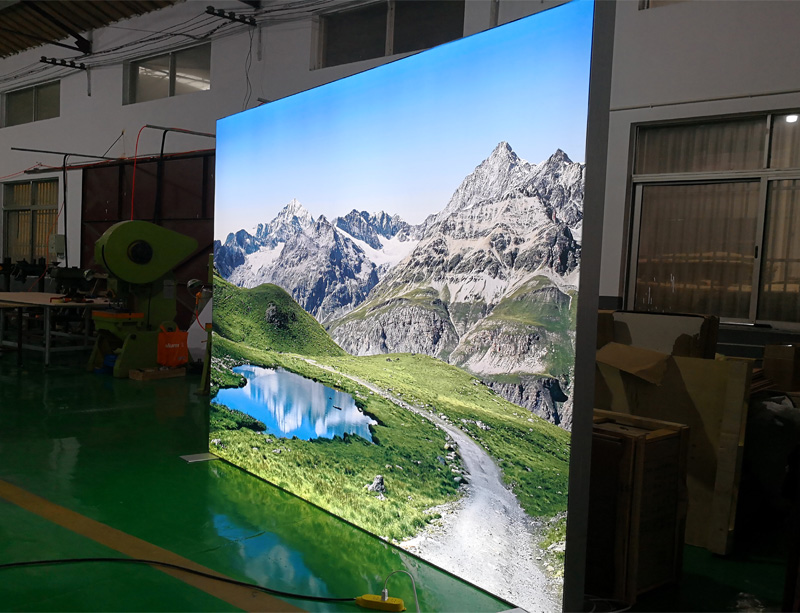
SEG stands for silicone edge graphics. An SEG display uses a printed fabric panel with a flexible silicone strip sewn around its perimeter. The strip fits into a recessed channel in an aluminum frame, stretching the fabric across the visible area.
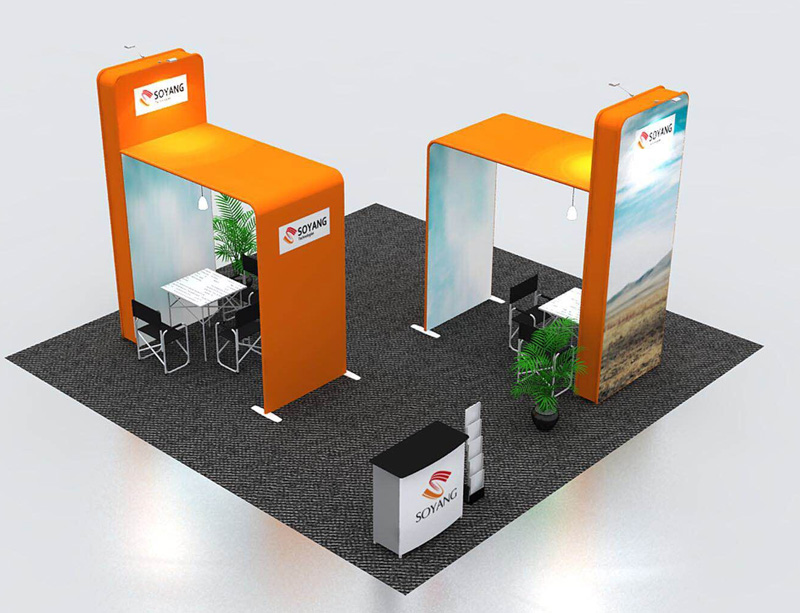
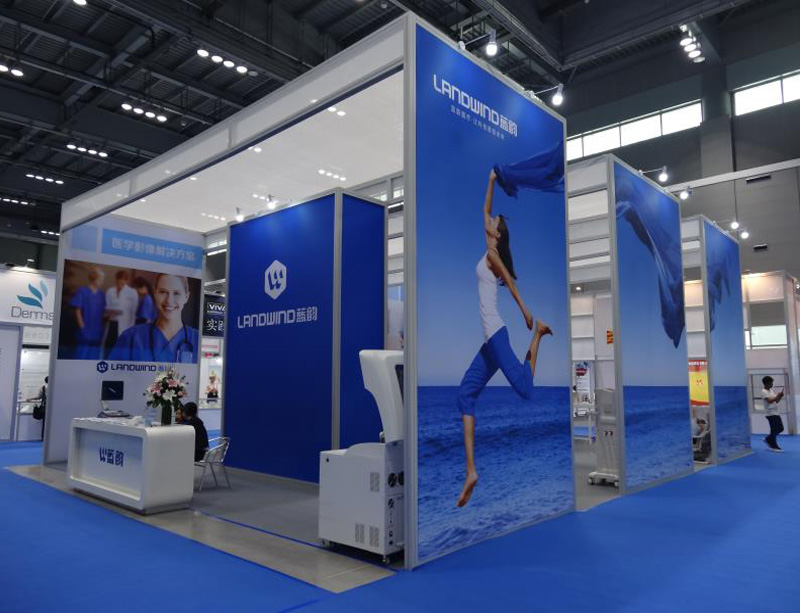
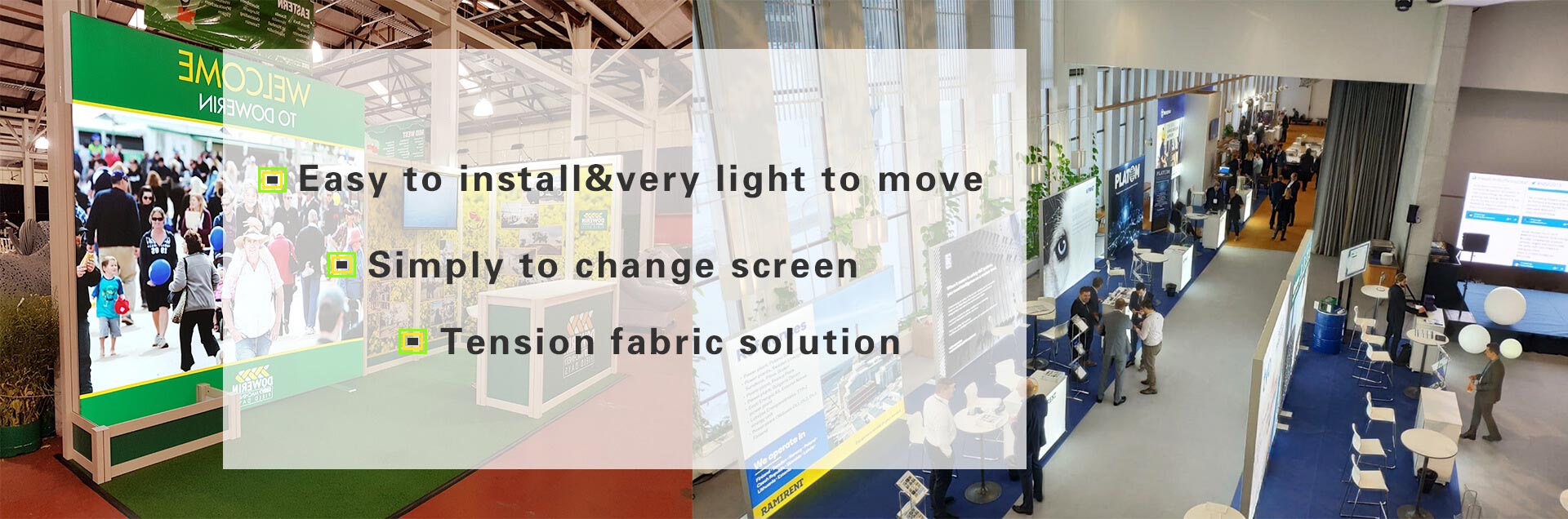
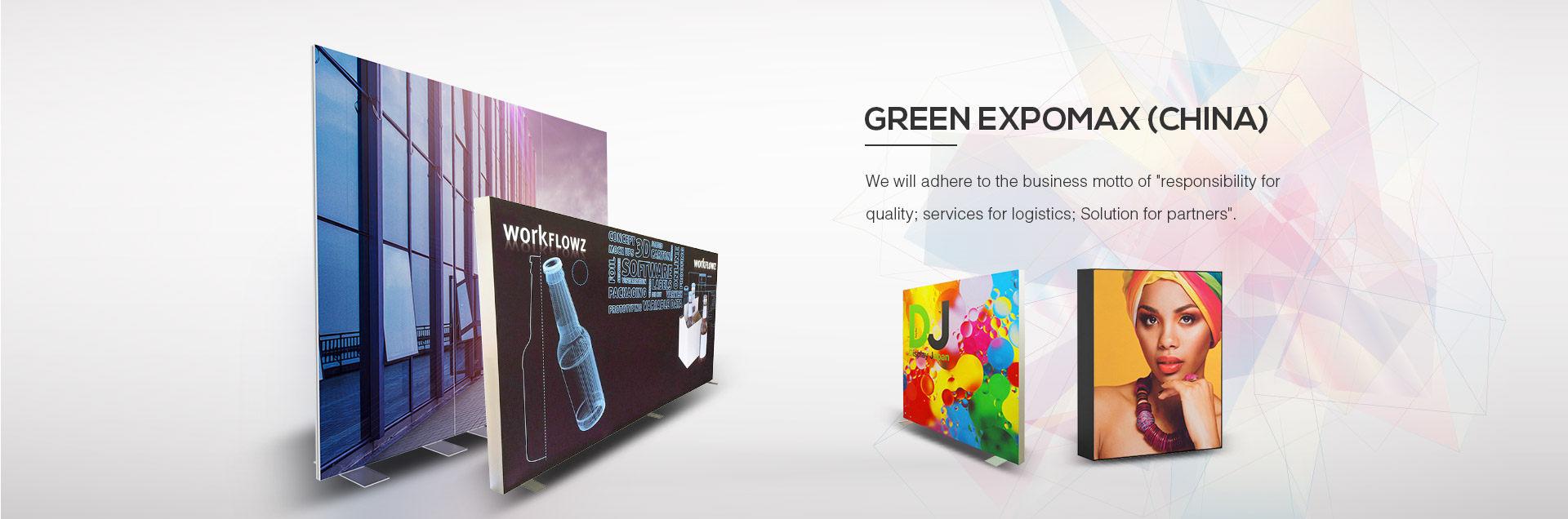
This construction creates a clean display surface without prominent front-facing fasteners. SEG graphics are used in exhibition booths, retail displays, promotional backdrops, showrooms and illuminated lightboxes.
However, the visual result depends on more than the printed image. The artwork, fabric, silicone edge, frame profile and finishing dimensions must work together.
Green Expomax supplies SEG display systems and aluminum frame solutions for illuminated and non-illuminated applications. Buyers preparing graphics for these systems should confirm the required file and finishing specifications before sending artwork to production.
The most efficient artwork process begins with the actual display specification. Do not start by creating a graphic based only on the nominal size of the booth or the approximate dimensions of an existing image.
Confirm the following information with the supplier:
Finished visible width and height.
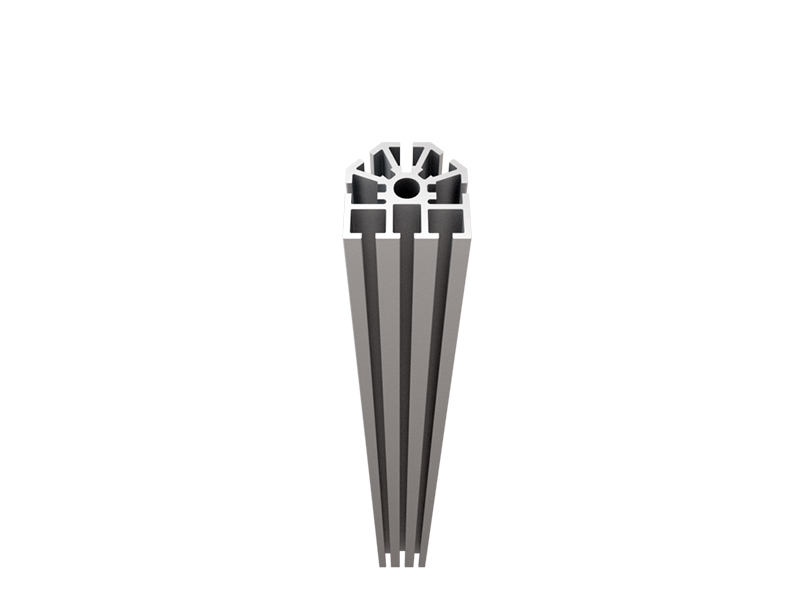
Frame model and channel configuration.
Single-sided or double-sided display.
Standard or backlit fabric.
Required silicone edge type and size.
Printing method and file requirements.
Whether the graphic includes a curved section or other nonstandard geometry.
Required quantity and whether multiple panels must align.
Whether the fabric is intended for indoor use or another environment.
These details help the designer prepare a file that matches the physical display rather than a generic rectangular image.
Different SEG frame profiles may use different channel dimensions and finishing requirements. A graphic prepared for one system may not fit another, even if the visible display dimensions appear identical.
The silicone edge must fit the channel, while the fabric needs the correct dimensions and tension to create a smooth surface.
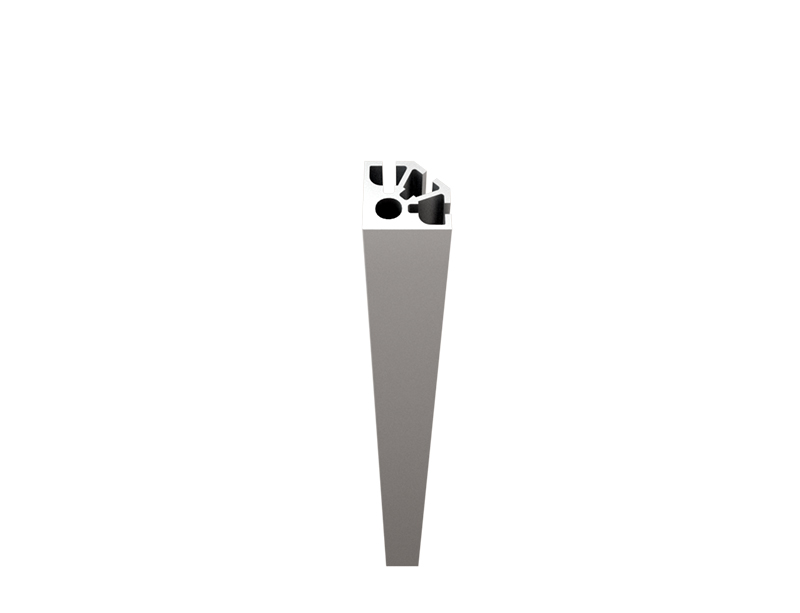
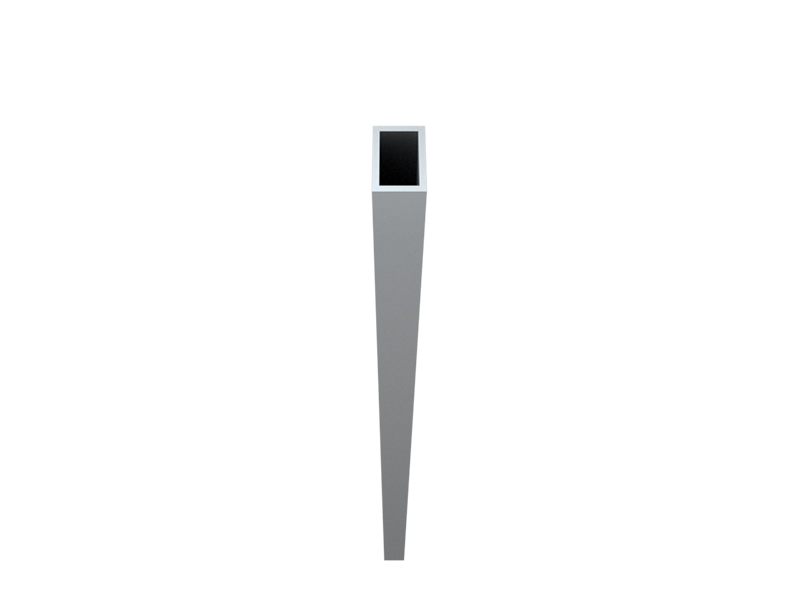
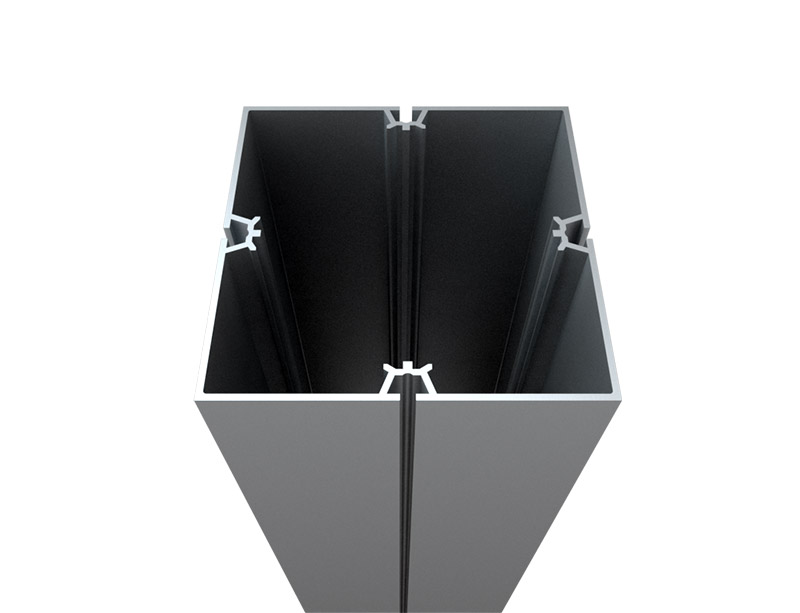
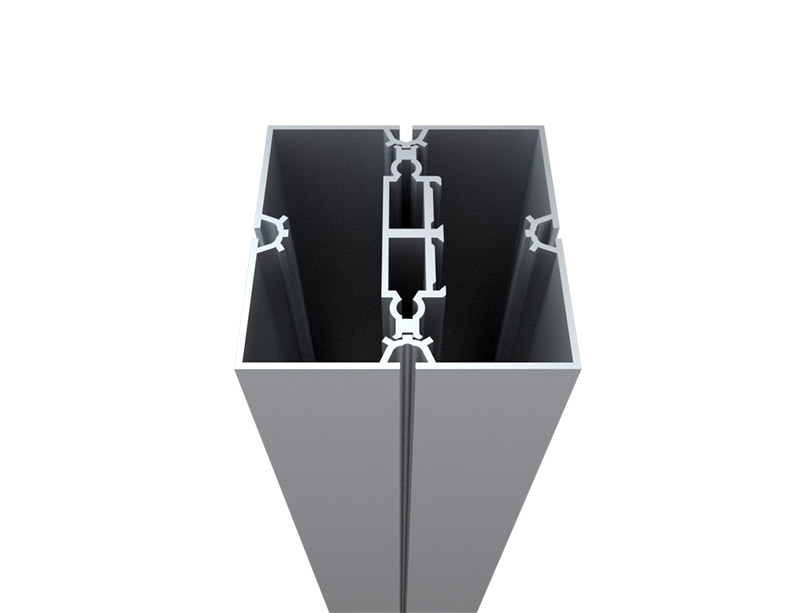
Green Expomax provides different single-sided SEG extrusion options and other frame configurations. Confirm the exact profile and graphic specifications before finalizing artwork.
The first step is to establish the required finished graphic dimensions and distinguish them from the overall frame dimensions.
These measurements are related but not necessarily identical. The visible graphic area, frame opening, fabric dimensions and sewing allowance may each be defined differently by the manufacturer.
Ask the supplier for an approved production template that identifies the visible area and the finishing requirements.
A template helps the designer position artwork relative to the actual frame and finishing process. It can also indicate areas that should remain free of important text or logos.
Before using the template, verify that it corresponds to the exact frame model and display size. Do not reuse a template from a similar-looking frame without confirmation.
Important content includes:
Company logos.
Headlines and product names.
Contact information.
QR codes and barcodes.
Legal notices and other small text.
Faces or product details that must remain fully visible.
These elements should remain within the supplier's specified safe area. The safe area is not necessarily the same as the visible area because the fabric edge is inserted into the frame channel and the graphic may be tensioned during installation.
A background image or decorative color can often extend farther toward the edge than text or a logo. The exact treatment should follow the approved template.
Bleed is additional artwork extending beyond the intended finished boundary so that minor cutting or finishing variations do not create unwanted unprinted edges.
For SEG fabric, the required bleed and sewing allowance depend on the production method, frame system and finishing process. There is no single bleed value that applies to every SEG graphic.
Ask the printer to specify the required bleed, silicone edge allowance and any additional finishing dimensions. Do not calculate the final fabric size by simply adding an arbitrary amount to the visible width and height.
The required image resolution depends on the physical display size, viewing distance, printing process and amount of detail in the artwork.
A large exhibition graphic is often viewed from several meters away, so its practical requirements may differ from those of a small sign viewed at close range. Nevertheless, logos, fine text, product details and QR codes still need adequate image quality.
The resolution of an image file does not tell the whole story. A photograph may have enough pixels for a small panel but become visibly soft when enlarged to cover a large wall.
Check the effective resolution at the intended output dimensions rather than relying solely on the image's original pixel count.
For raster images, verify that the resolution is appropriate for the printer's production requirements. For logos and illustrations, vector artwork can help preserve clean edges when resized, provided the file is prepared correctly for the printing workflow.
Common problems include:
Small website images enlarged to exhibition-wall size.
Screenshots used as final artwork.
Compressed images with visible artifacts.
Logos copied from low-resolution documents.
Text converted into images that lose sharpness when enlarged.
Whenever possible, obtain the original logo files and high-resolution product photography. If an image cannot meet the output requirements, replace it rather than assuming printing will improve its quality.
Both formats can be appropriate, depending on the content and production workflow.
| Artwork type | Typical use | What to check |
|---|---|---|
| Vector artwork | Logos, icons, shapes and text-based layouts | Fonts, linked assets, transparency and effects |
| Raster artwork | Photographs, textured backgrounds and detailed images | Effective resolution, compression and color quality |
| Combined artwork | Designs containing logos, text and photography | Consistency across linked files and final output settings |
| Production PDF | Artwork supplied for print production | Correct dimensions, embedded fonts, image quality and output settings |
A print-ready PDF is often convenient because it can contain a complete layout, but the file must still follow the printer's requirements. A PDF is not automatically production-ready simply because it opens correctly on a computer.
Before exporting, check whether fonts should be embedded or converted to outlines, whether linked images must be embedded, and whether transparency effects are supported by the printer's workflow.
Color appearance can change between a monitor, printed fabric and finished display. The result depends on the display settings, printing process, fabric characteristics, inks and viewing conditions.
For backlit SEG graphics, transmitted light can make the same printed image appear different from an unlit sample. A design that looks balanced when viewed on a screen may appear washed out or overly saturated when illuminated.
Ask the supplier which printing process will be used and which color profile or file settings are required.
Do not assign an arbitrary color profile or convert colors repeatedly without understanding the production workflow. Unnecessary conversions can introduce avoidable differences.
If a project requires consistent brand colors, provide the relevant reference values and any approved printed samples.
Where color accuracy is commercially important, agree on how color will be evaluated. The parties should define the viewing conditions and acceptable variation rather than relying on different computer monitors.
A backlit graphic should ideally be reviewed using the intended fabric and an appropriate lighting configuration. This helps reveal differences that may not be apparent in a standard print proof.
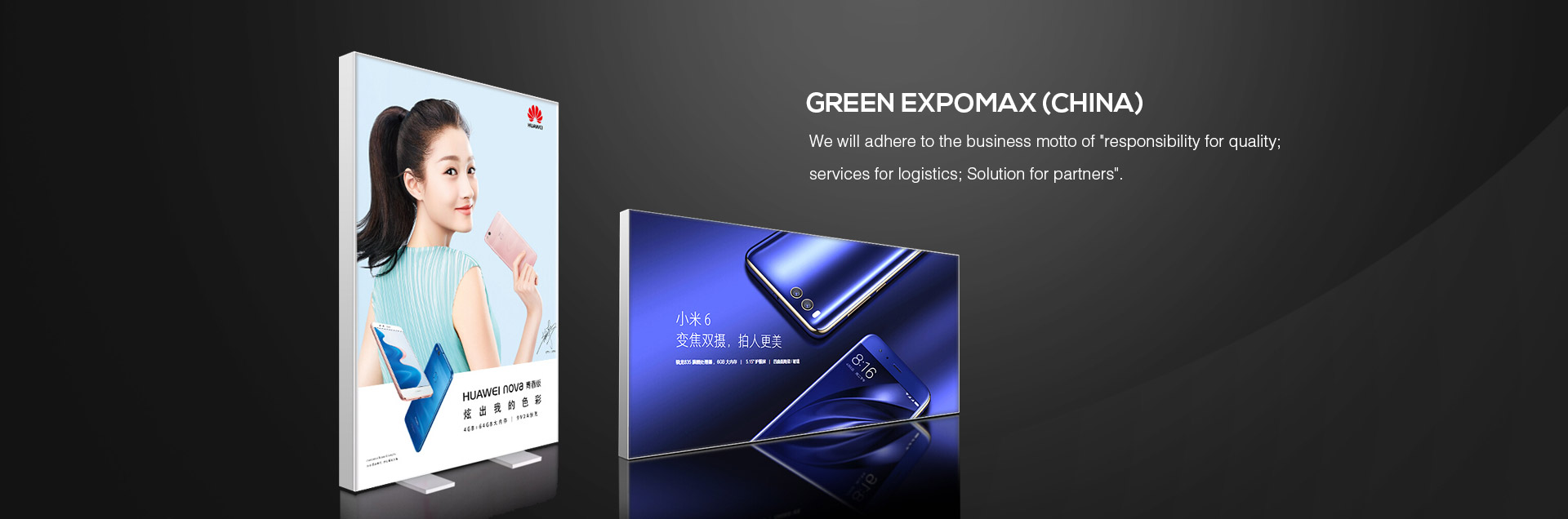
Green Expomax's SEG lightbox systems are available for illuminated display applications. Buyers should confirm whether their order includes printed fabric, lighting components and frame hardware, because these items may be supplied separately depending on the configuration.
Backlit and non-backlit SEG graphics use similar fabric-and-frame concepts, but the visual requirements can differ.
| Consideration | Backlit SEG graphic | Non-backlit SEG graphic |
|---|---|---|
| Lighting | Light passes through the printed fabric | The graphic is viewed under ambient or external lighting |
| Color evaluation | Should account for illumination through the material | Should account for the fabric and ambient viewing conditions |
| Image contrast | Needs to remain effective when illuminated | Needs to remain effective under the intended room lighting |
| Fabric selection | Requires fabric appropriate for the backlit application | Can use a fabric suitable for non-illuminated display |
| Proofing | Illuminated review is recommended when color appearance is important | Review the print under representative viewing conditions |
Do not assume that an unlit proof will exactly represent the finished illuminated graphic. For critical projects, request a production-representative sample or a clearly documented approval process.
Double-sided displays need careful planning because the two visible faces may serve different viewing directions or carry different content.
First, confirm whether both sides use separate printed graphics and whether their dimensions and finishing requirements are identical.
Then review:
Which design appears on each side.
Whether the graphics need to align at the frame edges.
Whether either side contains text that could be mirrored accidentally.
Whether the two sides require different color treatments.
Whether the display uses lighting.
How the frame and internal components affect the viewing experience.
If the same design appears on both sides, do not assume that one production file can be used without modification. The printer should confirm the correct orientation and finishing details.
For displays positioned in exhibition aisles, entrances or open retail spaces, the artwork on each side should be reviewed from its intended viewing direction.
A structured prepress checklist can prevent errors that become expensive after printing.
Correct product name, logo and contact details.
Approved brand colors and imagery.
Correct language and spelling.
No missing images or unintended substitutions.
Text and QR codes positioned within the safe area.
Correct finished dimensions.
Correct frame profile and template.
Appropriate image resolution.
Fonts and linked assets handled correctly.
Correct bleed and finishing allowances.
Correct single-sided or double-sided configuration.
Correct fabric type for the display.
Final proof approved by the responsible person.
Print orientation confirmed.
Backlit artwork reviewed under suitable illumination when required.
Graphic quantity and panel identification confirmed.
Installation and handling requirements communicated.
Approval should be based on the final production file, not an earlier design version. If changes are made after approval, the revised file should be checked again.
Using frame dimensions as the finished graphic size. The frame opening, visible area and fabric finishing dimensions may differ.
Placing logos too close to the edge. The silicone edge and installation tension can affect the visible result.
Using low-resolution images. Enlarged images may become visibly soft or pixelated.
Ignoring backlighting. Colors and contrast may look different when the graphic is illuminated.
Reusing an unverified template. A template from another profile may have different finishing requirements.
Failing to confirm the print orientation. Double-sided graphics and unusual layouts require explicit confirmation.
Approving only a screen preview. A monitor preview cannot fully represent fabric texture, printing behavior or transmitted light.
The correct format depends on the printer's workflow. A production-ready PDF, vector artwork or high-resolution raster file may be appropriate. Confirm the accepted format, dimensions, fonts and image requirements with the supplier.
Usually, the printer needs specific allowances for cutting and finishing, but the required values vary by frame and production method. Use the manufacturer's template rather than assuming a universal bleed amount.
The same design concept may be usable, but the print settings, fabric and color appearance can differ. Review the artwork under the intended viewing and lighting conditions.
Possible causes include incorrect graphic dimensions, incompatible silicone edging, an unsuitable frame channel or uneven installation. Confirm the frame and finishing specifications before ordering a replacement graphic.
Green Expomax offers SEG frames and display solutions, and its product information describes complete systems and customizable options. Confirm whether the quotation includes the frame, fabric printing, silicone edge finishing, lighting and accessories.
A successful SEG display depends on coordinating the artwork with the frame, fabric and finishing process. Confirming dimensions, color requirements, resolution and edge specifications before production helps reduce reprints and installation problems.
Green Expomax supplies SEG display systems, aluminum frame solutions and illuminated display options for exhibitions and commercial environments. Send your frame details, graphic dimensions, artwork requirements and intended application to discuss a suitable configuration.
Contact Green Expomax
Email: sales@green-expomax.com
Website: https://www.green-expomax.com/


Copyright © Green Expomax (China) Exhibition Equipments Co.,Ltd. All Rights Reserved | Sitemap |